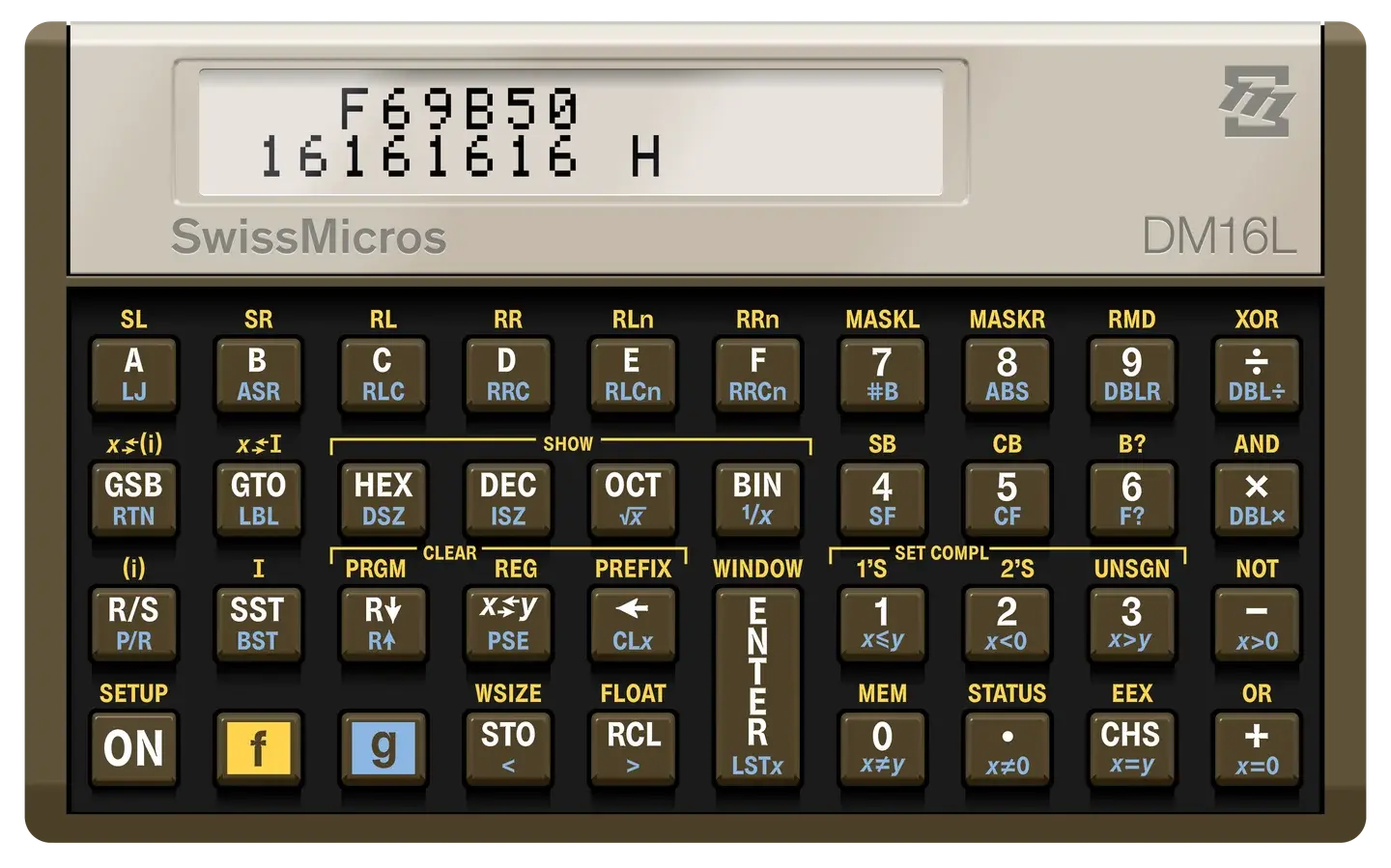
I built swiss_micros_tools because I was tired of keeping a serial terminal open just to poke a SwissMicros
calculator. The USB console is a perfectly good protocol; it should not need a human sitting in the middle. The three
chores that matter to me are setting the clock and moving memory both ways.
Tool
Status
Purpose
dm_set_time
available
I set the calculator clock second-precise from the host.
dm_receive
available
I will pull a memory dump without copy-and-paste.
dm_send
planned
I will push a memory dump without a terminal session.
Everything is Ada 2022 with AdaCL. I run the same binaries on macOS, Linux, and Windows. The generated
reference lives at GNATdoc.
Find the device (Unix path or Windows name). The POSIX helpers dm-get-serial-device.sh / dm-get-serial-port.sh do
this for a DM16L / CP2102N.
Run a tool with -d / --device, or export DM_SERIAL_DEVICE.
Use -? / --help when I am stuck.
    -d Device   --device=Device       device file (unix) or name (windows)
                                      of the USB serial device.
                DM_SERIAL_DEVICE=     set via environment variable

    -?          --help                this help
export DM_SERIAL_DEVICE="$(dm-get-serial-device.sh)"dm_set_time-main
# or, with an explicit stamp and UTC:dm_set_time-main -d /dev/tty.usbserial-0001 --utc "20260917 150000"
The compact stamp dm_set_time sends is eight digits, a space, six digits (YYYYMMDD HHMMSS). That is not the line
t prints back (2026-09-22 18:09:26 TUE). Omit the stamp and the application will use the host clock.
This page is the workshop door. The two essays behind it are the bench.
I start with the shared library because every later tool hangs off the same UART dialect and the same GetOpt spine.
Then I walk you though the one programme that already ships: how I accept an optional time stamp, how Spitbol checks the correct format, and
the four lines I send once the port is open (ct 1, ts, t, and a blank wake-up).
I built swiss_micros_tools because I was tired of keeping a serial terminal open just to poke a SwissMicros
calculator. 1.8.12 is the release where that stops being a plan for the receive path. The clock was already done. The
dump now is too.
This note is the bench for that release. The short announcement is the door. Here I write down how I actually open the
port, why macOS needed its own body, and which lines dm_receive keeps.